Blaze Triggerbot
Click when the ball targets you in Blade Ball. Set your delay in milliseconds.
- Your key right after payment, also by email
- The download on your order page, any time
- Setup steps on your order page
- Support by ticket or on Discord


 Crypto


Questions first? Ask us on Discord
Often bought together
 Blaze MacroIn stock
$5.00
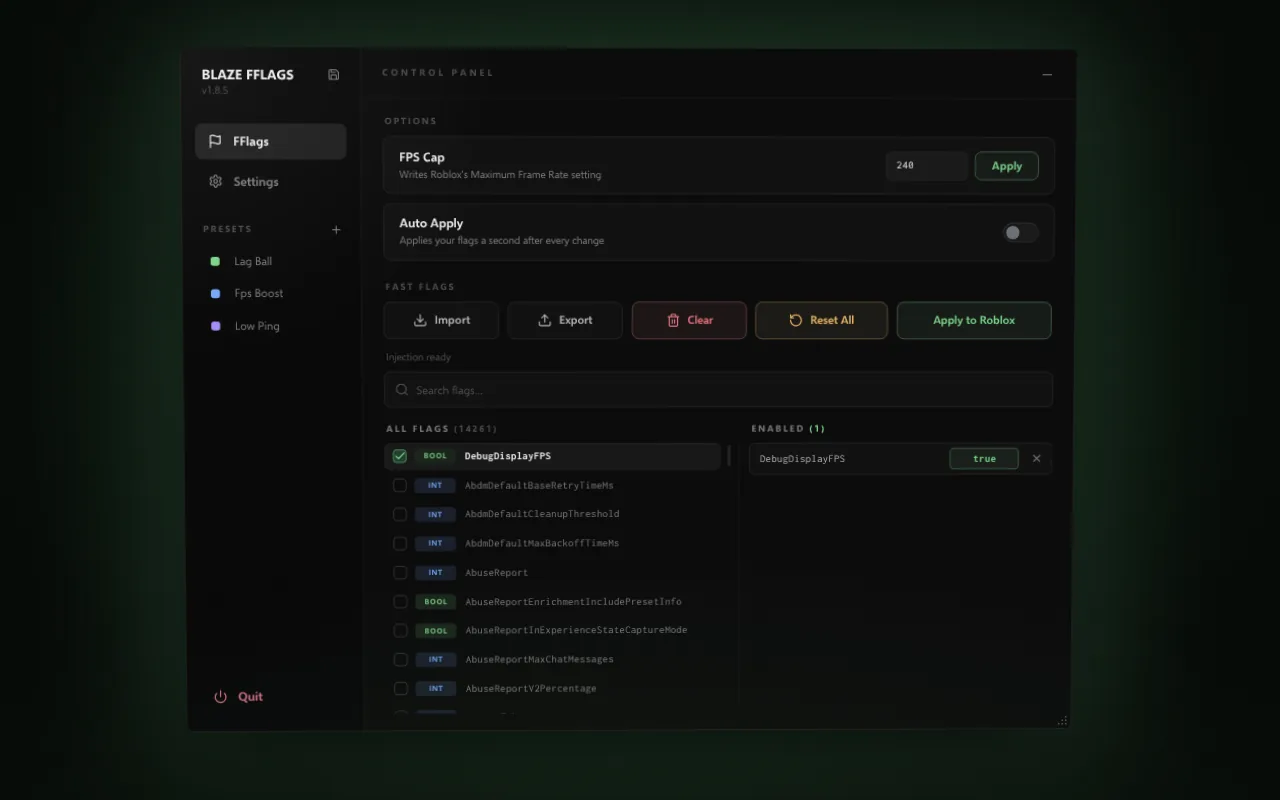 Blaze FastFlags Manager40 in stock
$8.00
About Blaze Triggerbot
Blaze Triggerbot sends your blocking input when the ball targets you in Roblox Blade Ball. With the delay at 0 ms, it responds to the target change. Raise the delay to wait a set number of milliseconds before the click.
Does it time a parry for me?
Blaze reacts when the ball targets you. A ball can switch to you from across the arena, so the click can happen well before it reaches you. The delay adds a fixed wait after that switch. Blaze does not calculate an impact time.
It runs externally on Windows without a script executor. Blaze updates automatically and supports recent Roblox versions. A lifetime key covers one PC.
How Blaze Triggerbot plays
Click on target
Blaze sends your chosen blocking input as soon as the ball switches to you.
Adjustable delay
Choose how many milliseconds to wait between the target change and your block.
Toggle or hold
Tap your activation key to switch the triggerbot on and off, or keep it held while you play.
Custom keybinds
Choose separate controls for activating the triggerbot and blocking in Blade Ball.
Stream Proof
Use the overlay’s capture setting when recording or streaming.
Hide shortcut
Bind a shortcut to hide your overlay and press it again to bring it back.
Windows may warn you the first time
Windows may show “Windows protected your PC” when you first open Blaze Triggerbot. Select More info to see the app name and publisher. You can review the VirusTotal report for this build.
Get your lifetime key
Choose your payment
Pay $10 USD in crypto at checkout, or open a Blaze Hub ticket to pay 5,000 Blade Ball tokens.
Get your key
For a crypto order, check the order page or receipt email. For a token order, your key comes through your Discord ticket, usually within 24 hours.
Open Roblox first, then Blaze
Launch Roblox and join Blade Ball. Once the game is open, start Blaze Triggerbot so it can attach. On first launch, enter your lifetime key.
Match your controls
Click the Blaze overlay to open Settings. Set Blocking Key to the key you use to block in Blade Ball (for example, F).
Turn Blaze on
Choose Toggle or Hold, then return to Blade Ball. In Toggle mode, tap your activation key to switch on or off. In Hold mode, hold it to stay on and release it to stop. The overlay shows ON while active.
Details
- Game
- Roblox · Blade Ball
- Platform
- Windows PC
- Compatibility
- Recent Roblox versions on Windows
- Activation
- Toggle or hold
- License
- Lifetime · one PC per key
- Price
- $10 USD in crypto or 5,000 Blade Ball tokens
- Updates
- Automatic · included with your lifetime key
Questions
Is this an auto parry?
No. A triggerbot clicks when the ball targets you. You choose the delay yourself, so the click can happen before the ball is in parry range.
Blaze didn’t attach. What should I do?
Close Blaze Triggerbot. Open Roblox, join Blade Ball, and leave the game running. Then reopen Blaze Triggerbot. Roblox needs to be running before Blaze starts.
Is Blaze undetectable?
The developer reports the current build as undetected. Detection status can change when Roblox updates.
Do I need a script executor?
No. Blaze Triggerbot runs as a separate Windows application.
Can I use Blade Ball tokens?
Yes. A lifetime key costs 5,000 tokens. To arrange payment, open a Blaze Hub ticket.
What do Toggle and Hold do?
With Toggle, tap once to enable and again to disable. With Hold, it stays active while you hold the activation key.
Where is the rest of the settings menu?
Scroll below Delay (ms) for Mode, Stream Proof, and Hide. You can try this in the 3D preview too.
Get Blaze Triggerbot
Lifetime access for one PC, with future updates included.
Reviews
No reviews yet. Buyers can leave one from their order page.
 2,000